

-
2026.09.24 DROMI アップデート:1.9.0
All Blogs
How to Use
-

Drawing
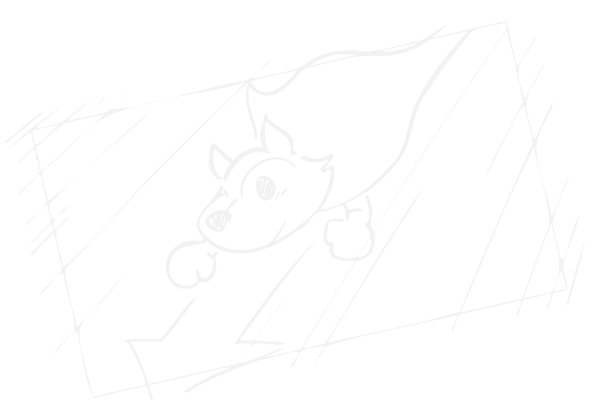
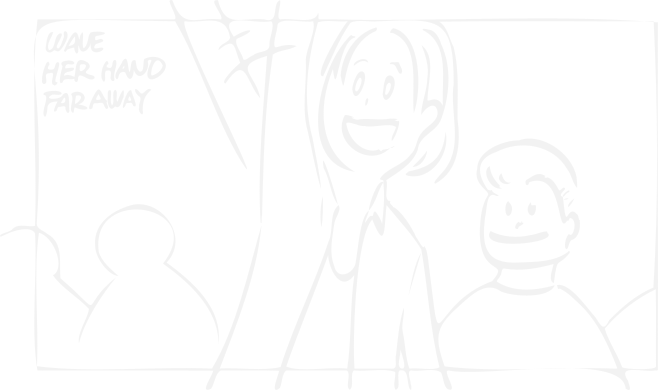
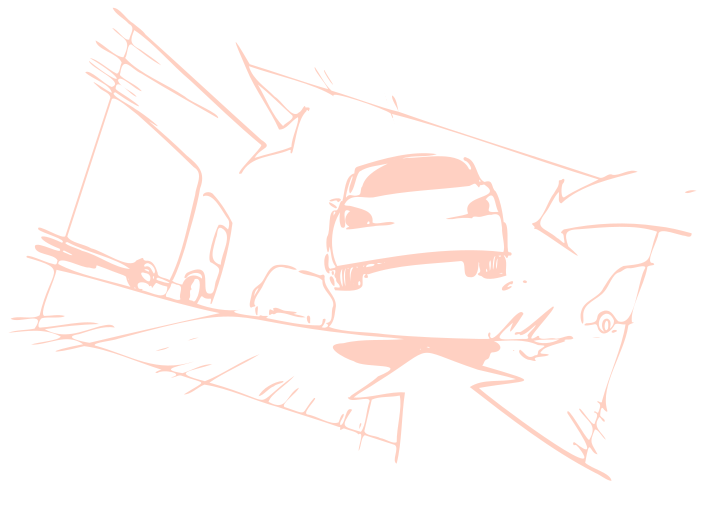
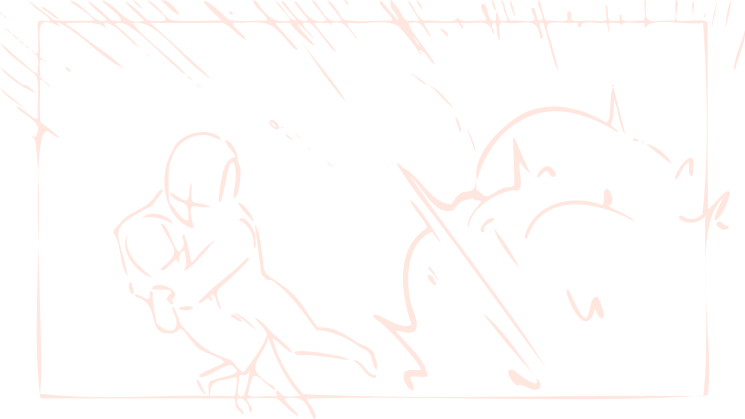
You can use the drawing tool to draw a storyboard for each shot on the timeline, just like a video editing application.
-
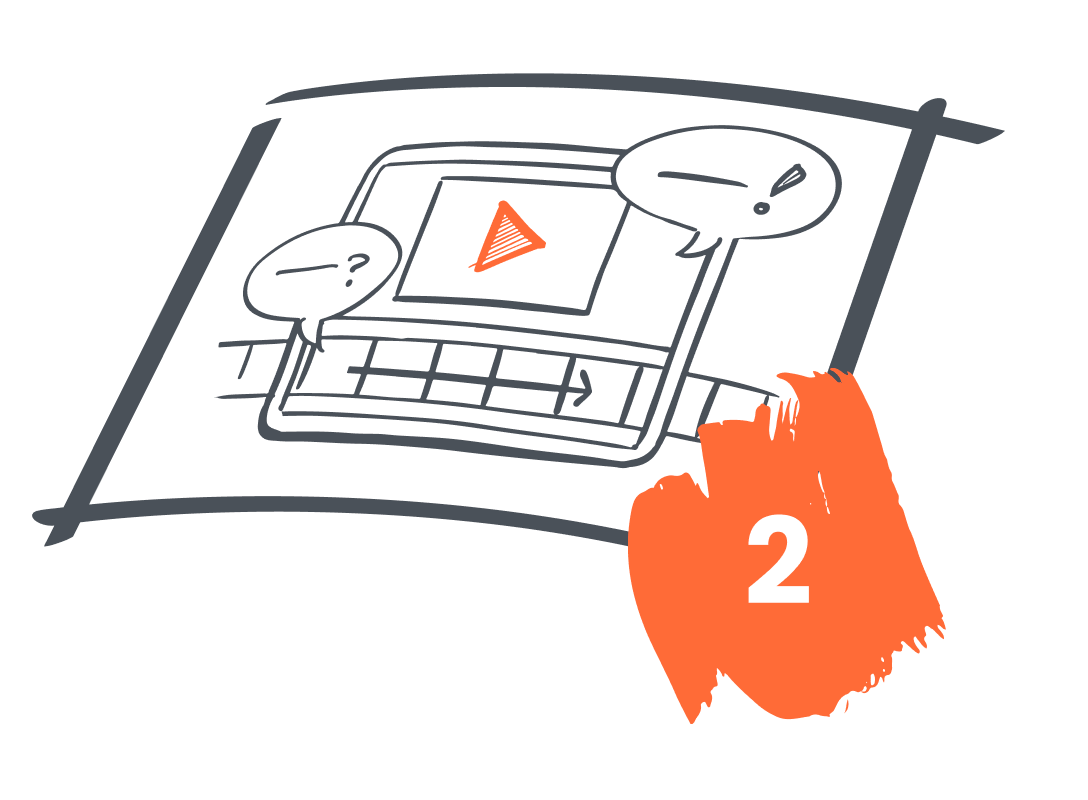
Playback
Preview playback immediately after drawing. You can easily adjust the timing of shot transitions to match the music and video effects while checking the moving video.
-
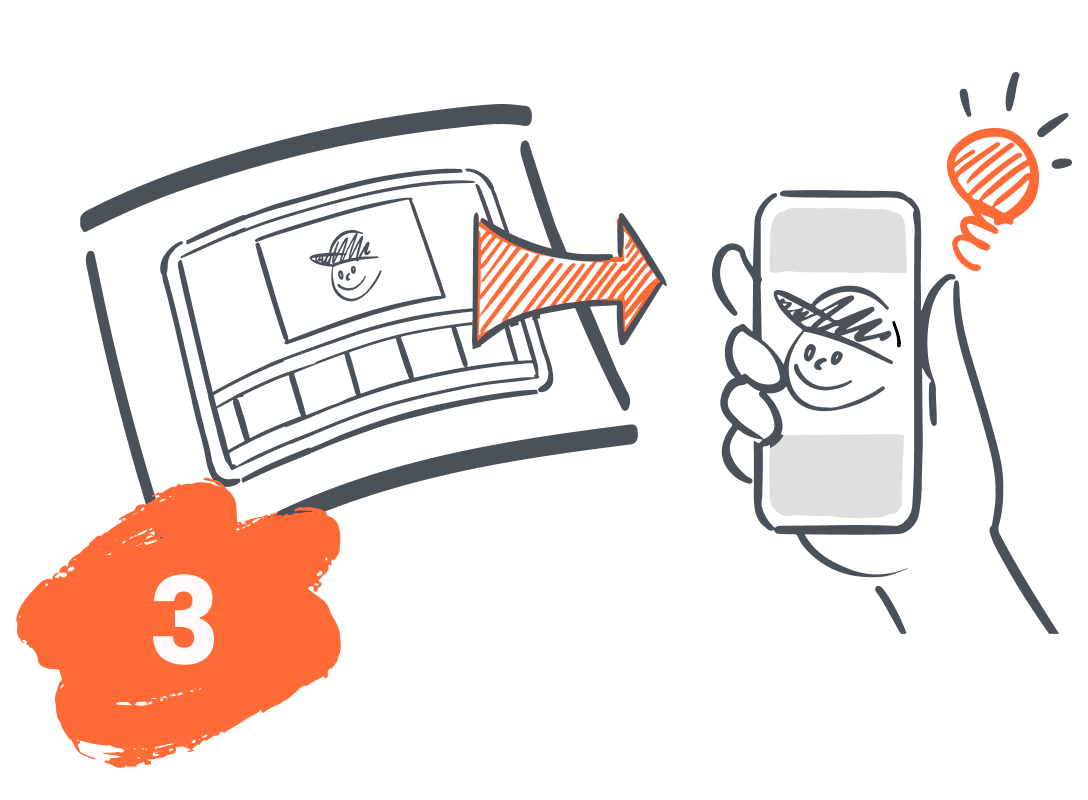
Share
You can immediately export your drawing to MP4, PDF for printing, PNG images for each shot, or other formats to suit your purposes and easily share them.





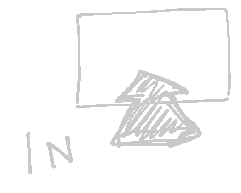

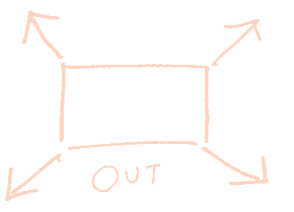
DROMI features specialized for drawing quickly
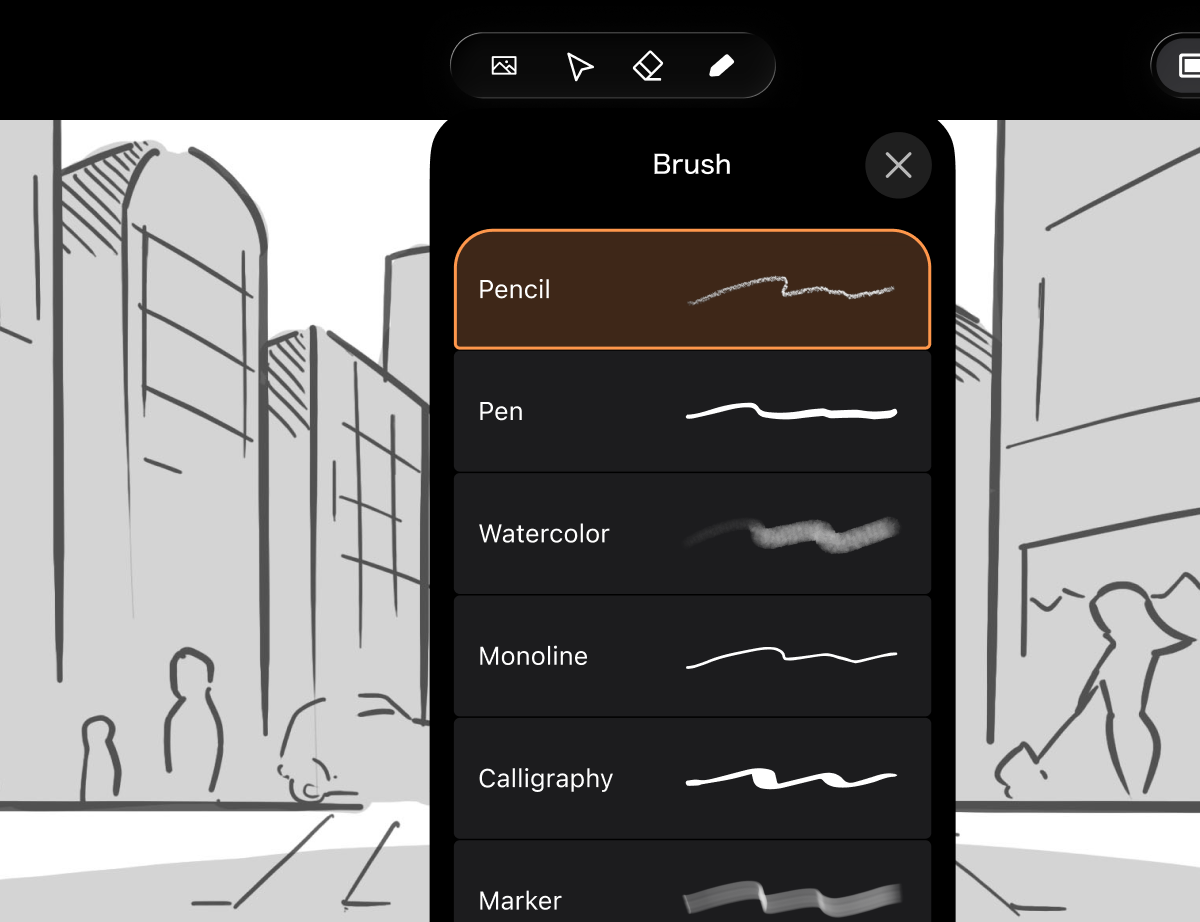
A full range of tools for drawing
On iPad, Apple Pencil support with pressure and tilt gives you precise control over every stroke. Fully adjustable pen, eraser, and selection tools let you refine your work exactly as intended.
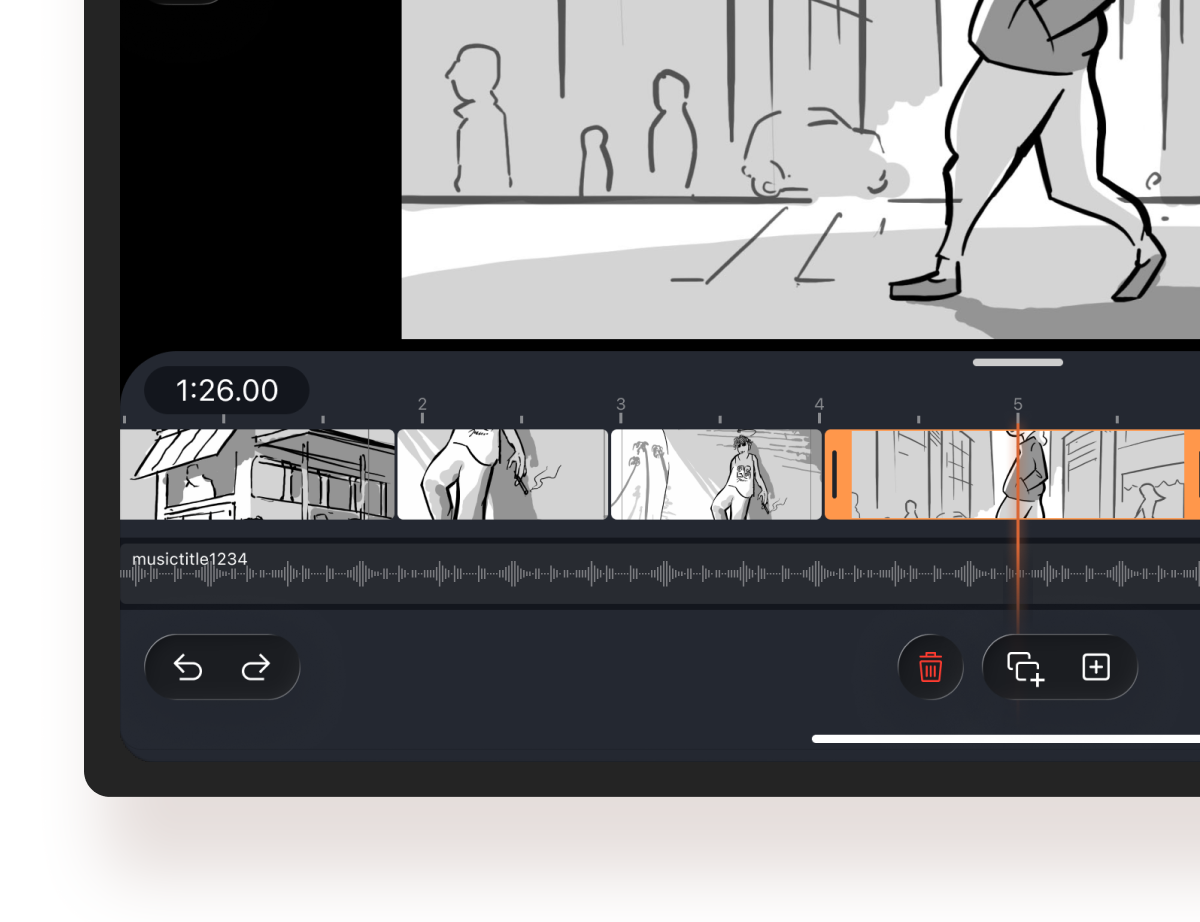
Timeline Function
Easily adjust scene switching according to the time axis. You can put strength to the performance and express it from the storyboard production stage.
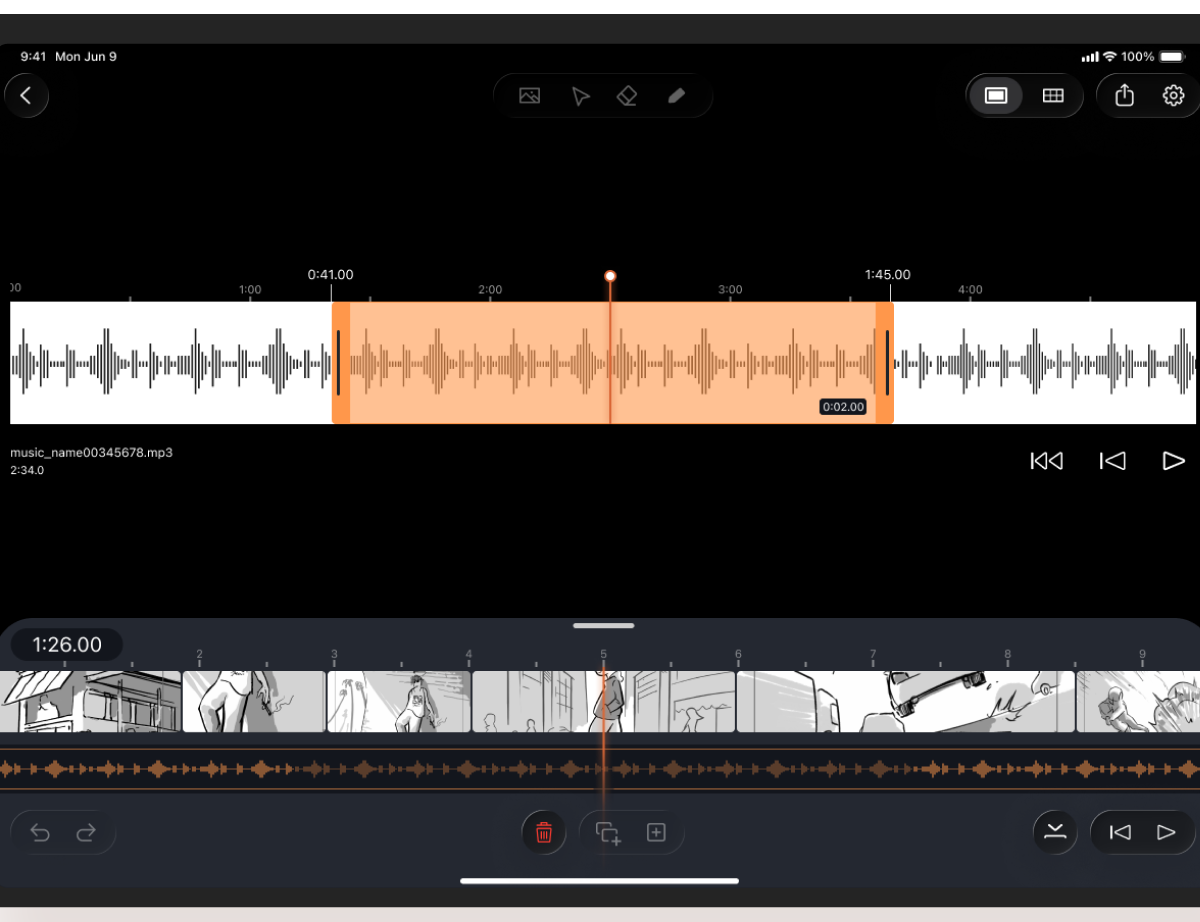
Adding Audio
Audio files such as MP3 and WAV formats can be added to the timeline, and the sound source can be trimmed. The addition of sound to the storyboard makes the image clearer.
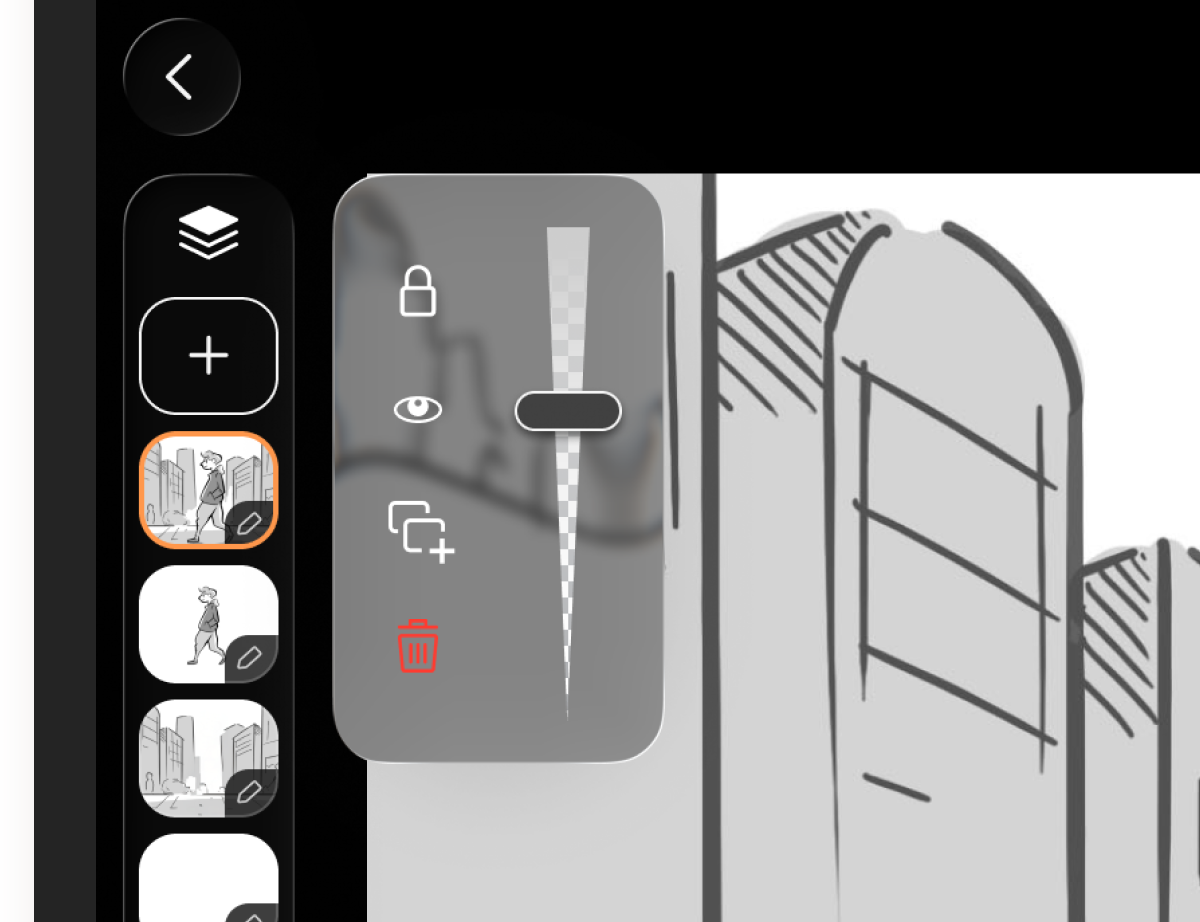
Layer Function
The layer function (a function that overlays image components) allows you to draw backgrounds, people, objects, etc. separately.
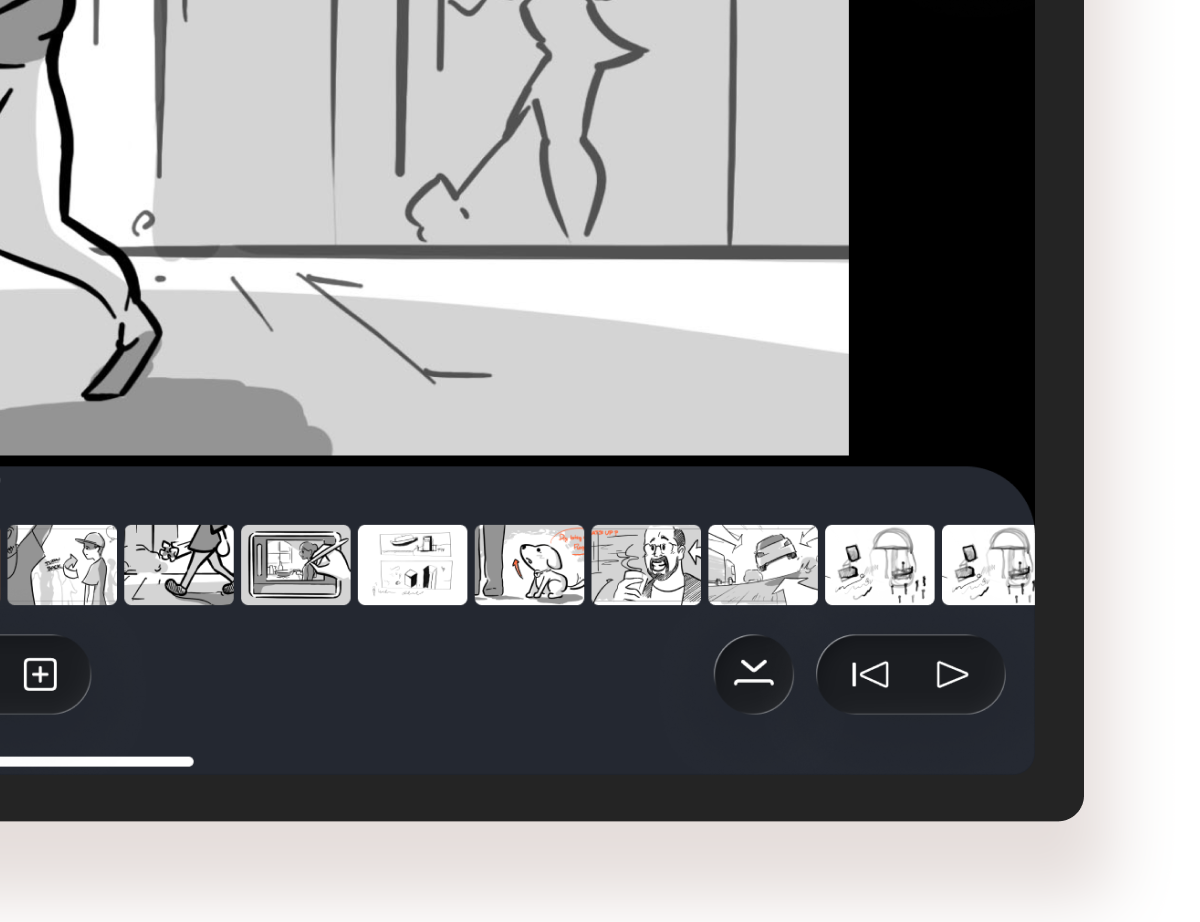
Playback Anytime
Whenever you want to check an image, you can play it back from the editing screen. You can smoothly check the video while drawing.
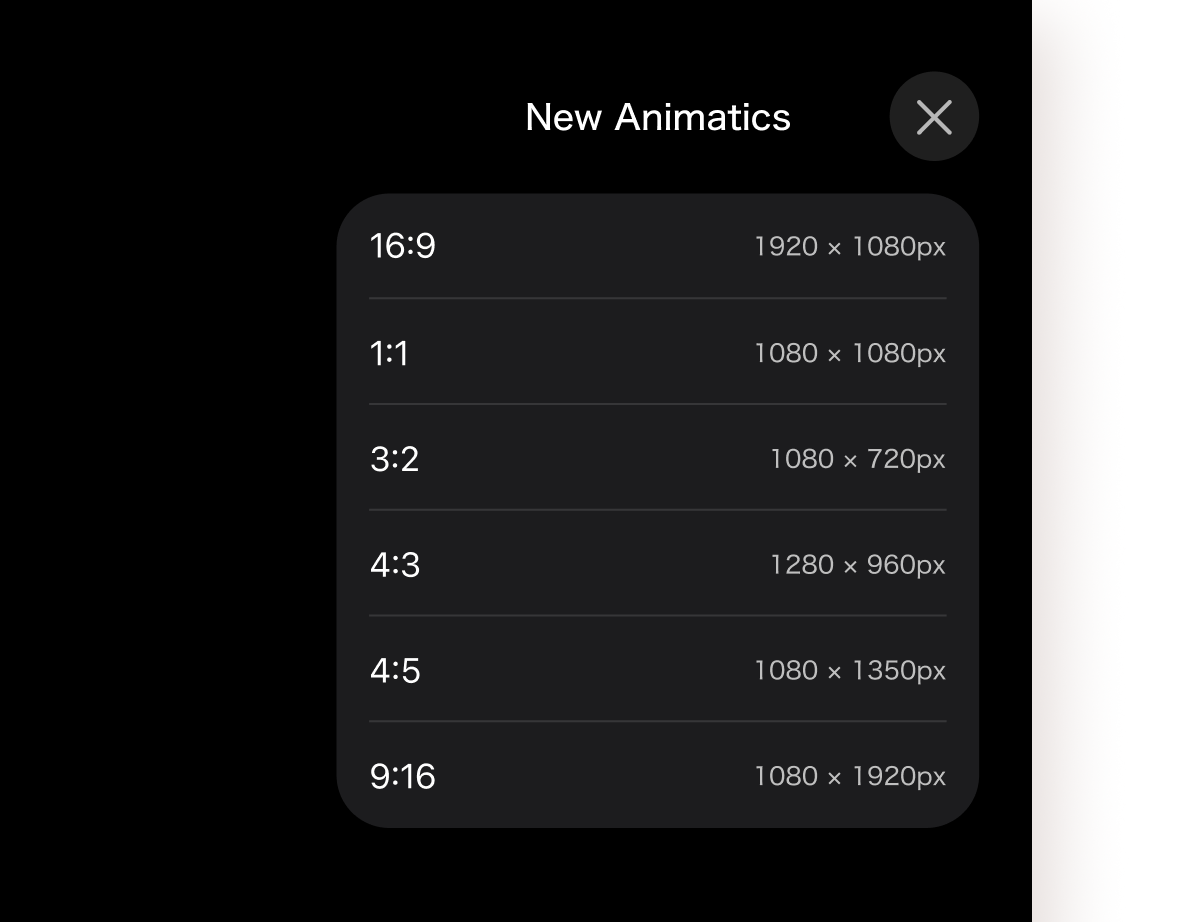
Multiple Size Settings
Storyboards can be sized to fit each social networking site, including Instagram, TikTok, and YouTube.
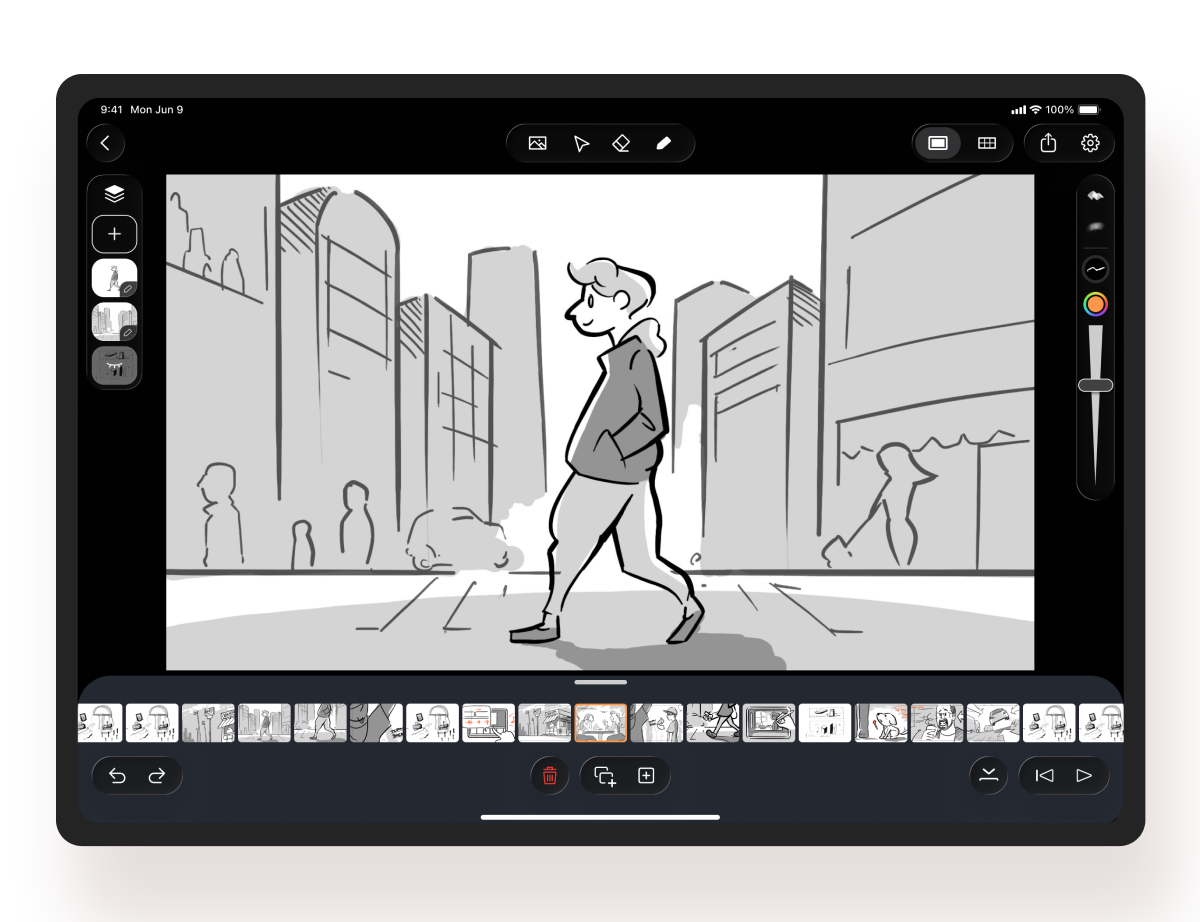
Shot Display Function
When you want to concentrate on drawing, you can minimize the timeline and dynamically display each shot to fill the screen.
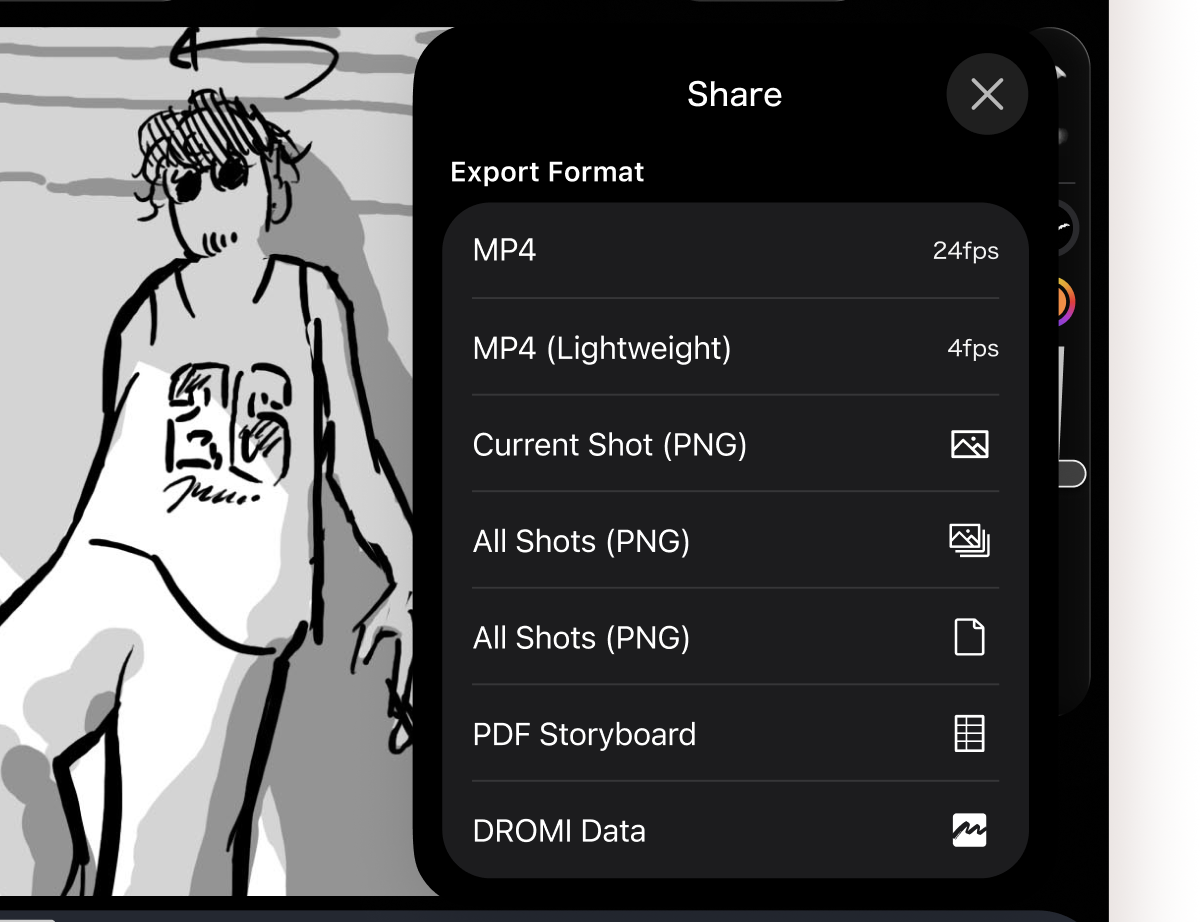
Storyboard Sharing
Export to PNG, MP4, PDF, or an editable DROMI format. Pick whatever works best for your use case.
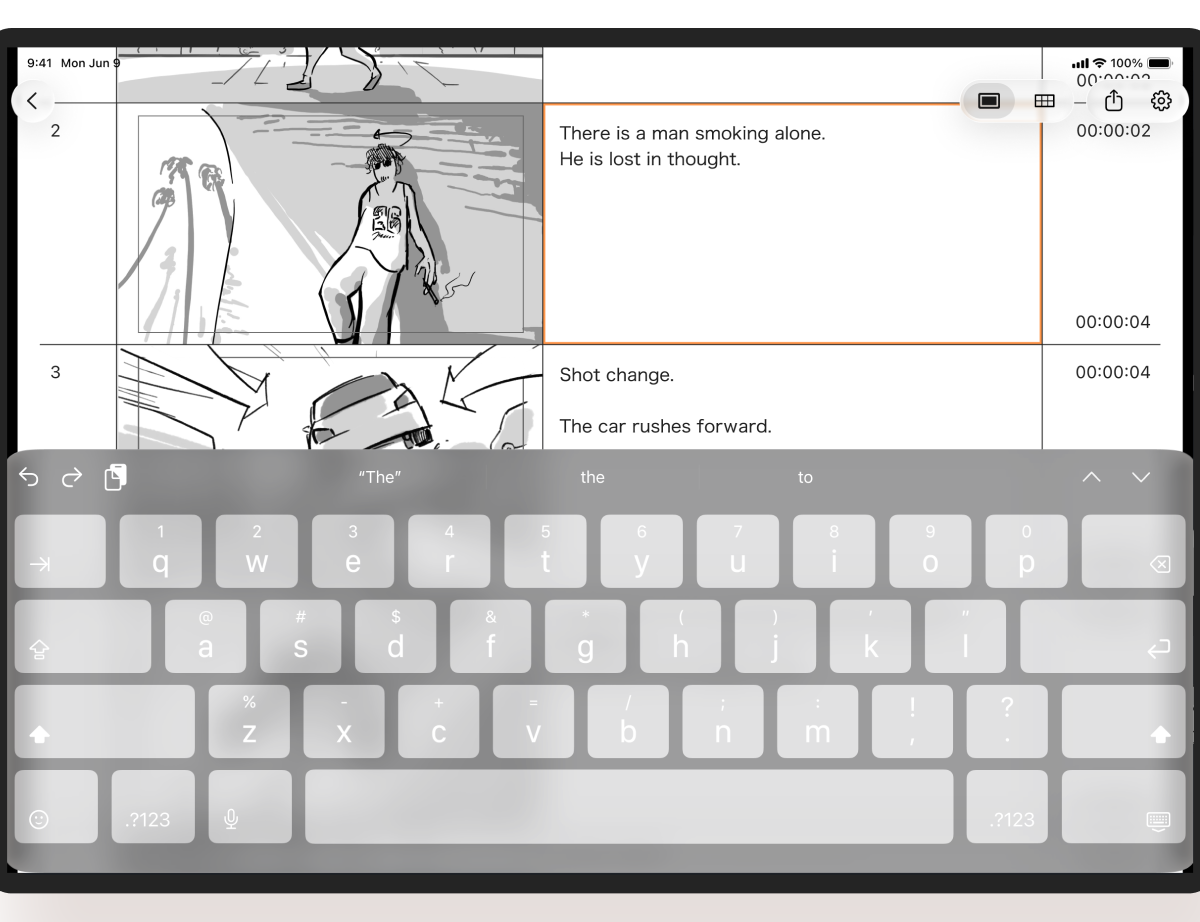
Switch to print view + add comment
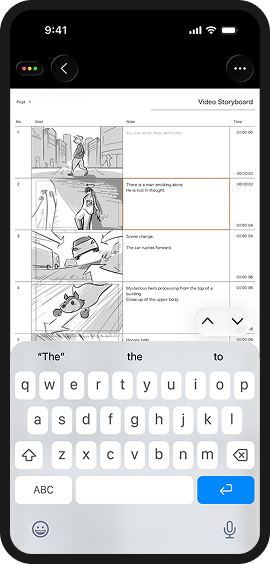
You can type out lines and notes while previewing the "PDF Storyboard Display" of the export function.
How everyone uses the app

Match to Music
With DROMI, you can easily create a video with a good tempo set to music that cannot be visualized using still images.
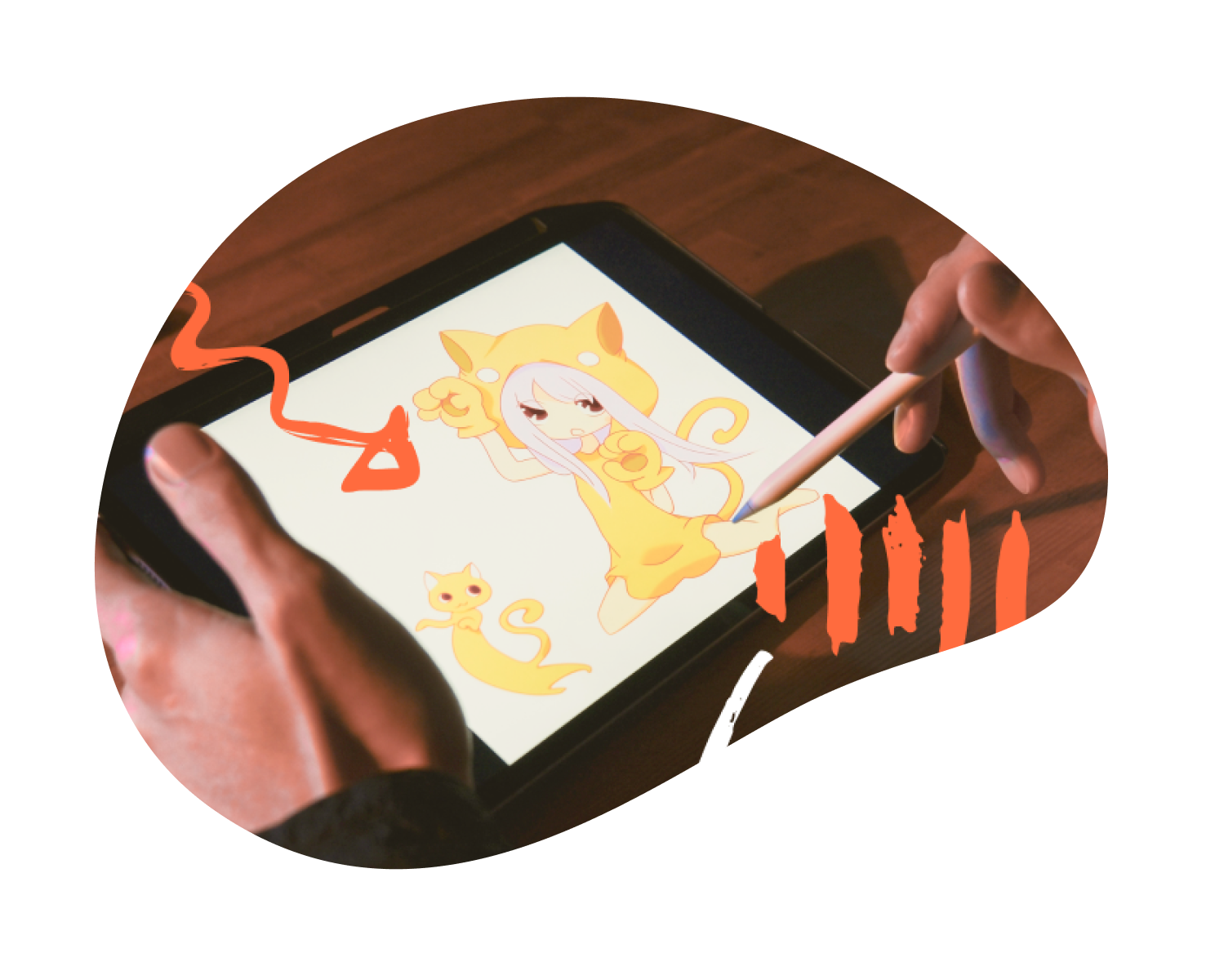
For Animation Production
Before creating the screen, let's draw a storyboard using DROMI.
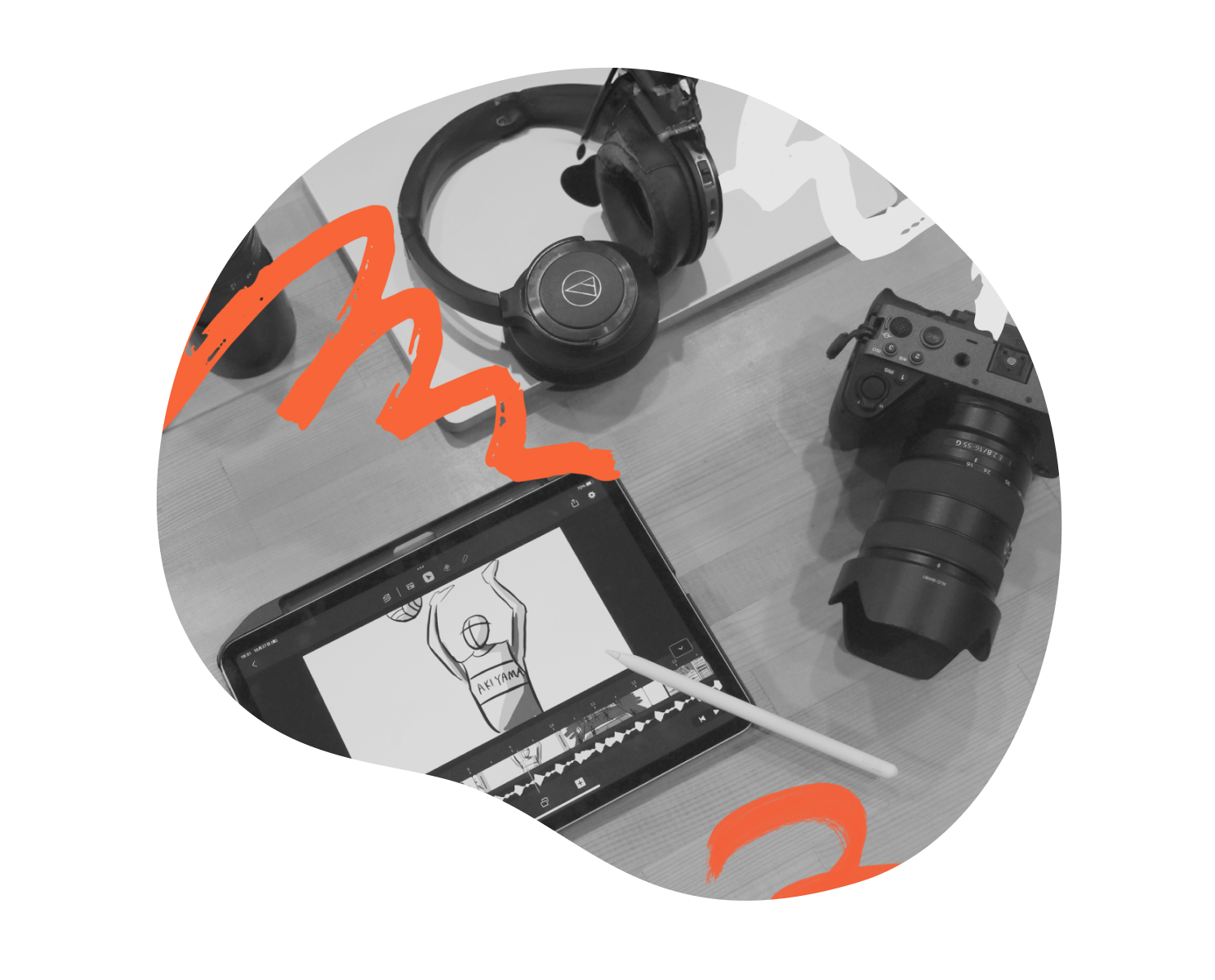
Sharing Shooting Images
DROMI is useful for drawing simple storyboards and imagining the shots and items you'll need before heading out for a shoot. Easy sharing makes team shooting smooth!



Download it for free to your iPad and try drawing storyboards!